
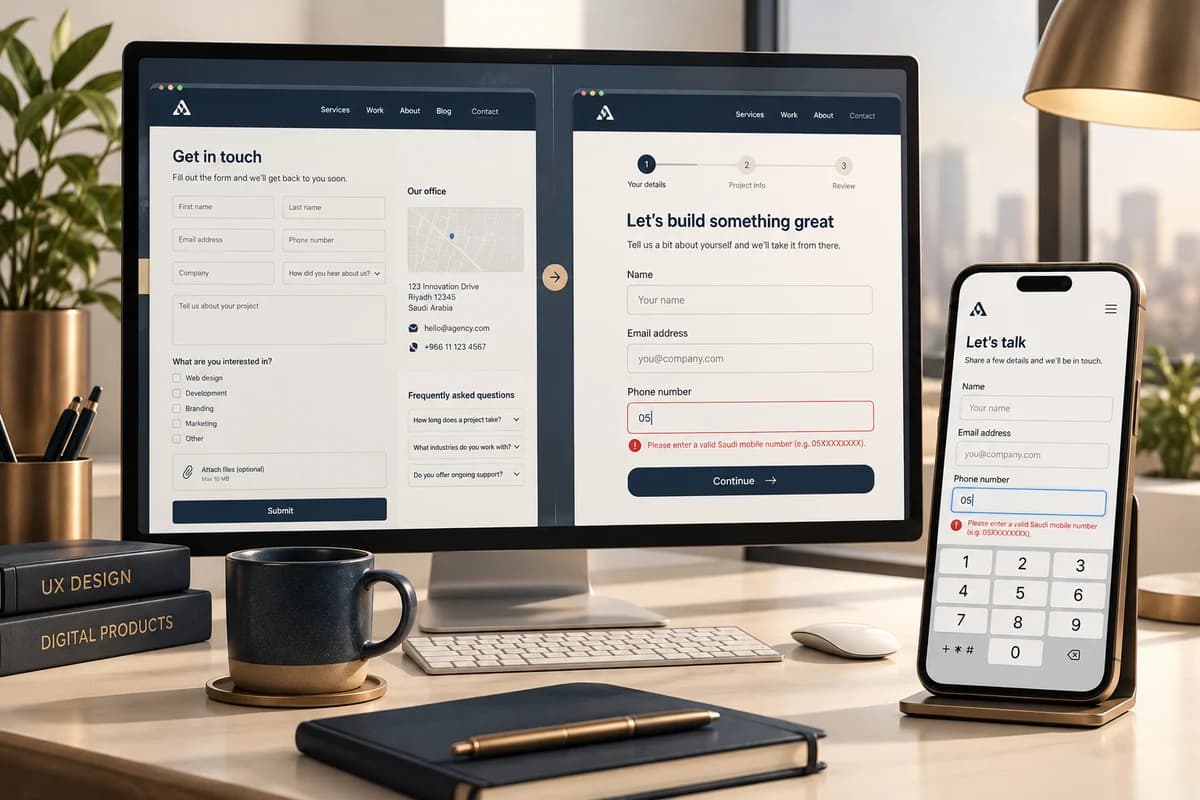
UI/UX redesign: test the task before changing colors
Start with what a visitor needs to do: understand a service, compare options, submit an inquiry or complete a purchase. Design should remove friction from that task; it does not by itself decide search rankings or create a brand identity. Accessibility is a separate reference: W3C's WCAG 2.2 covers keyboard operation, visible focus and contrast requirements.
A repeatable mobile and bilingual test
Use the same script, device or viewport and scenario before and after a redesign. This fictional service-site test is a template:
| Task | Arabic RTL | English LTR | Record |
|---|---|---|---|
| Find the right SEO service | Home to the service page | Home to the SEO service | Time, completion and blocker |
| Start an inquiry | Complete required fields and submit | Complete required fields and submit | Validation errors and confirmation |
| Switch language | Arabic to English and back | English to Arabic and back | Did it reach the equivalent page? |
Record task completion, errors, requests for help and the participant's reported confidence. Repeat across browsers and screen sizes; test keyboard tab order and visible focus. A small usability sample can expose clear problems but cannot prove behavior for every audience.
Keep the decisions distinct
- UI/UX: task flow, information order, labels, states and responsive layout.
- SEO: titles, URL structure, indexability, redirects and internal links.
- Identity: logo, colors, fonts and visual expression rules.
The work can coordinate, but changing colors is not an SEO plan, and changing URLs is not only a visual decision. Before implementation, define tasks, devices, languages and measures; agree acceptance checks such as a successful inquiry without assistance and visible keyboard focus. Scope development separately if the request is design only. Discuss UI/UX and identity services.