
An audit asks whether someone can complete a task
Start with who uses the page and what they need to do, then assess it against a clear reference such as WCAG 2.2 Level AA. Do not begin and end with a scanner score: automation can flag some issues, but cannot prove that a person can understand the page, correct a form, or reach its main action. The W3C WCAG 2.2 standard provides testable requirements for perceivable, operable, understandable, and robust content.
A hypothetical Arabic inquiry task
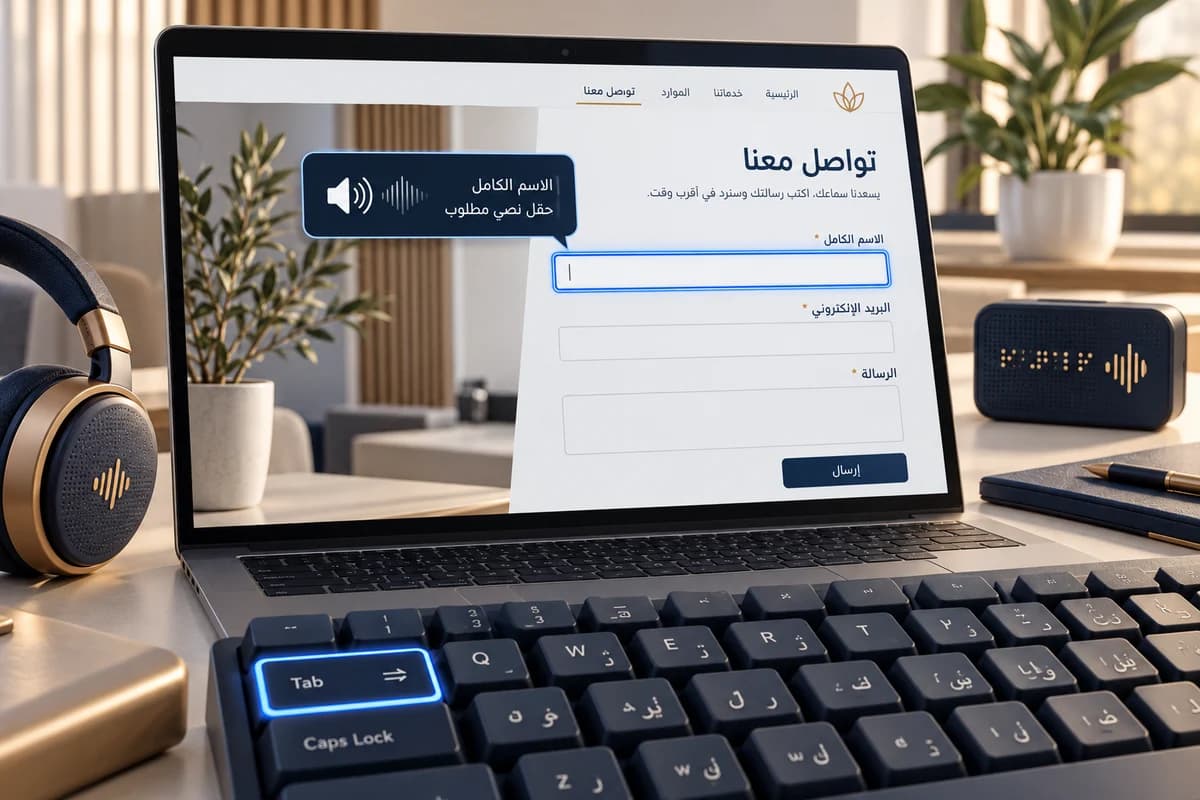
Imagine a fictional Arabic course provider. The task is to find a course and send an inquiry. Check the page on a phone and with a keyboard: does the heading sequence explain the content? Can focus reach the language control and form in a sensible order? Is focus visible and clear of sticky banners? Does a visitor know which field needs attention and how to fix an error? Try an Arabic name, Latin email, and number, then edit a character in the middle. This is a proposed test scenario, not an audit result for a real site.
| Area | Manual action | Evidence of success | Issue to record |
|---|---|---|---|
| Page structure | Navigate by headings and with a screen reader | One page title and headings that describe sections | Sections cannot be understood in sequence or links have generic names |
| Keyboard and focus | Use Tab, Shift+Tab, and form controls | Every action is available and focus remains visible | A menu cannot open or a dialog traps focus |
| Color and zoom | Enlarge text and inspect contrast and states | Content remains readable and color is not the only cue | A red-only error or invisible field boundary |
| Forms and messages | Submit missing fields, then correct them | Each field has a label; the error explains how to recover | Input disappears on error or success appears before saving |
| Arabic and mixed content | Enter Arabic with a Latin email, number, or product code | Reading and input direction remain understandable | Punctuation jumps or an arrow reverses its intended action |
Record the barrier, impact, and retest
For each finding, save the page, task, steps, element, observed result, and expected result. Prioritize blockers that prevent a task or lose information, then reading and comprehension barriers, then lower-impact visual details. Assign an owner and repeat the same steps after a fix. Start with representative templates and expand the sample when the same pattern appears elsewhere.
RTL direction alone does not make a site accessible. Reading order, field names, focus, and error messages all need testing. An automated pass cannot establish legal conformance or replace review by people with different access needs. For mixed-script input and direction, see the Arabic RTL website UX guide, and start redesign work with the user task. Accessibility review can be part of brand identity and user experience design.
Apply this to your project?
Discuss your needs and current constraints so we can define the right next step and scope.