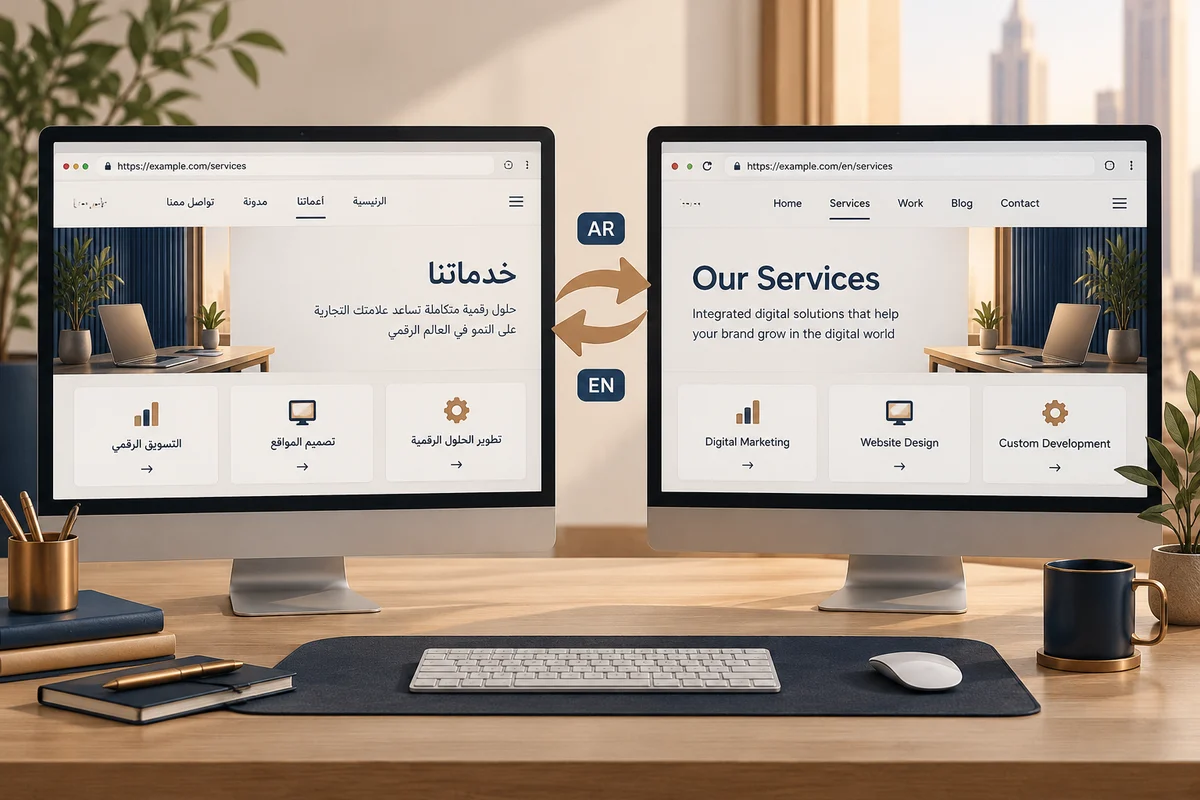
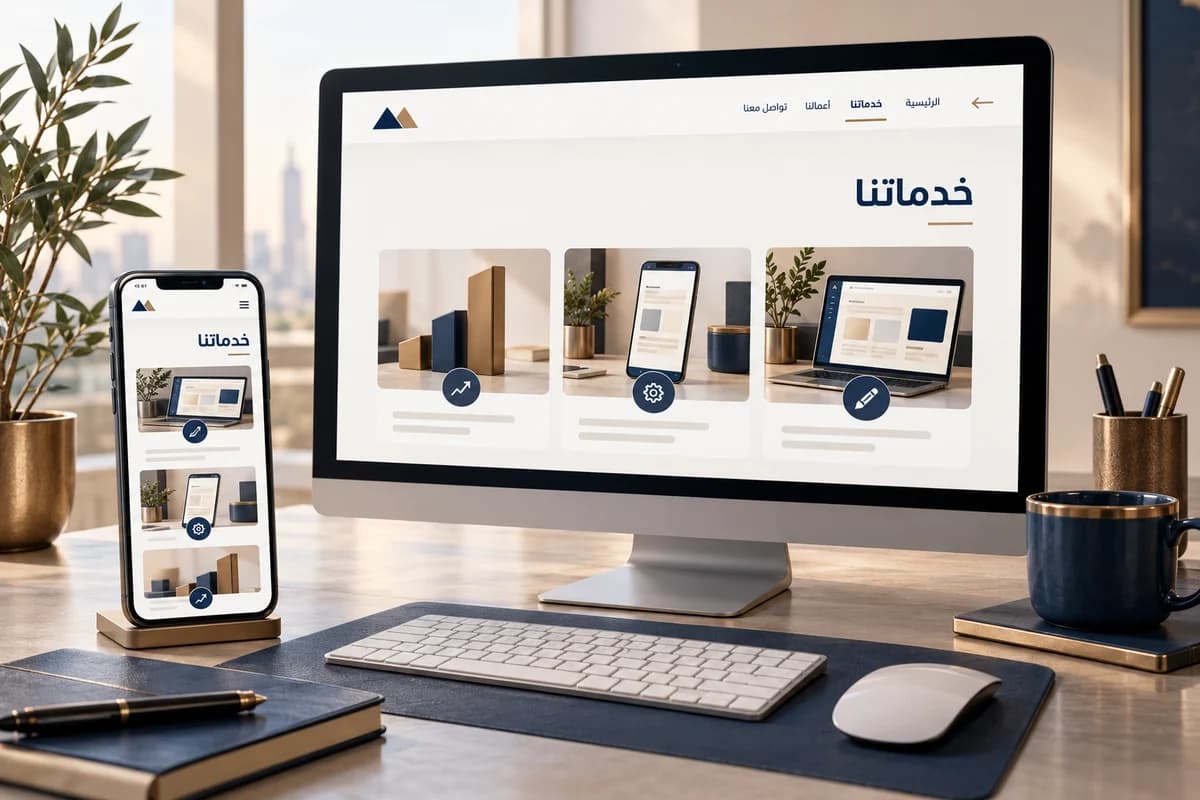
RTL is a reading and interaction model, not right alignment
Set the page language and base direction at the document level, then test mixed-direction components. W3C’s HTML direction guidance explains document direction, automatic direction for dynamic input where appropriate, and logical layout properties such as start and end instead of hard-coded left and right.
| Element | Test example | Failure to look for |
|---|---|---|
| Latin product name in Arabic text | PRO-X 4.2 with punctuation or parentheses | Punctuation jumps to the wrong side |
| Price or phone | EGP 1,250.50 and +20 10 1234 5678 | Digits reverse or break visually |
| Email and link | [email protected] and an English page link | Caret begins in a confusing direction |
| Mixed form | Arabic name, Latin email, phone | Field direction conflicts with its value |
| Navigation and arrow | Main menu and a back button | Arrow suggests the opposite action |
A repeatable acceptance test
On a small phone and desktop, enter text with an Arabic keyboard, switch to English, then fill an Arabic name, Latin email, and phone number. Correct a character in the middle, clear each field, and submit again after a validation error. Tab from the logo through the final button; focus should remain visible and predictable rather than changing because columns were mirrored.
Check long headings, tables, success and error messages, prices, page numbers, and mixed-script product names. Use a screen reader when possible. Confirm that the language switch opens the equivalent page, not always the homepage. A static screenshot cannot reveal whether a real user can edit an input correctly.
Common failures
Mirroring every icon can reverse play symbols or arrows that represent a real movement. Applying direction only through CSS loses semantic direction when styling is absent. Make content and field direction part of acceptance, then ask someone to complete a real task: find a service and submit an inquiry. Include these cases in a business website build, before launch.