
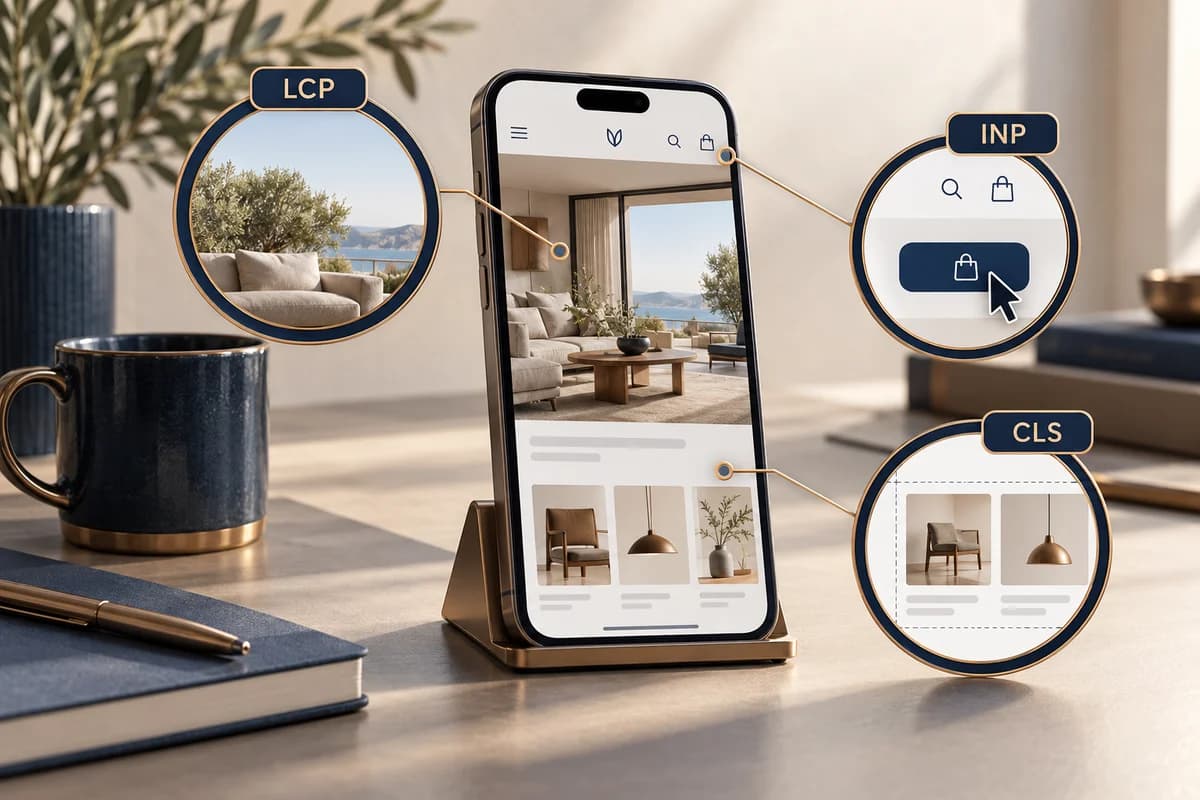
Start with real mobile experience
Review Core Web Vitals for mobile pages by template and language, then use a lab run to investigate likely causes. Current good thresholds at the 75th percentile are LCP at 2.5 seconds or less, INP at 200 milliseconds or less, and CLS at 0.1 or less. These describe user experience; they do not promise search positions or sales. Google Search Central explains the metrics and thresholds, and PageSpeed Insights describes the difference between field data from CrUX and Lighthouse lab measurements.
| Metric | What a visitor experiences | What to inspect on an Arabic mobile page | Fix direction after confirming the cause |
|---|---|---|---|
| LCP | The main, largest content appears | Hero image, response time, Arabic font loading, and resource order | Reduce the dominant resource, reserve image space, and review loading priority and fonts |
| INP | The interface responds after touch or typing | Language menu, navigation, form validation, and long JavaScript tasks | Reduce synchronous work, split tasks, and show visible feedback while processing |
| CLS | Text and controls stay in place | Font substitution, images without reserved space, banners, or late content | Reserve space, set dimensions, and review font swaps and inserted elements |
A hypothetical diagnostic sequence
Imagine an Arabic and English service page on a phone with a large hero, an Arabic font, and a sticky contact button. If the main content appears late, compare the hero and font resources and their load timing before compressing unrelated files. If the button moves when the font appears, check font metrics and reserved space. If the menu opens slowly after a tap, inspect work on the main thread. These are hypotheses to test, not measurements of a real page or an expected result.
Turn the report into an actionable fix
- Select a service page, article, and product page that represent real templates; record language, device, connection conditions, and test date.
- Read field data when available and use the 75th percentile. Do not judge a population from an average or one isolated run.
- If a URL has no field data, check whether the report falls back to origin data or lacks a sufficient sample; absence is not proof of good performance.
- Use Lighthouse or PageSpeed Insights lab data to locate resources, then review field data after the fix. A controlled test does not represent every phone or network.
- Record the cause, change, affected templates, and next review date instead of publishing an unexplained best score.
Arabic does not make a page slow by itself; font size, assets, loading order, and script work are what you should measure. Test RTL and mixed-script content too, so a speed change does not damage reading or interaction. See the service-business SEO audit and redesign migration guide. Template-level work can be scoped in business website development.
Apply this to your project?
Discuss your needs and current constraints so we can define the right next step and scope.