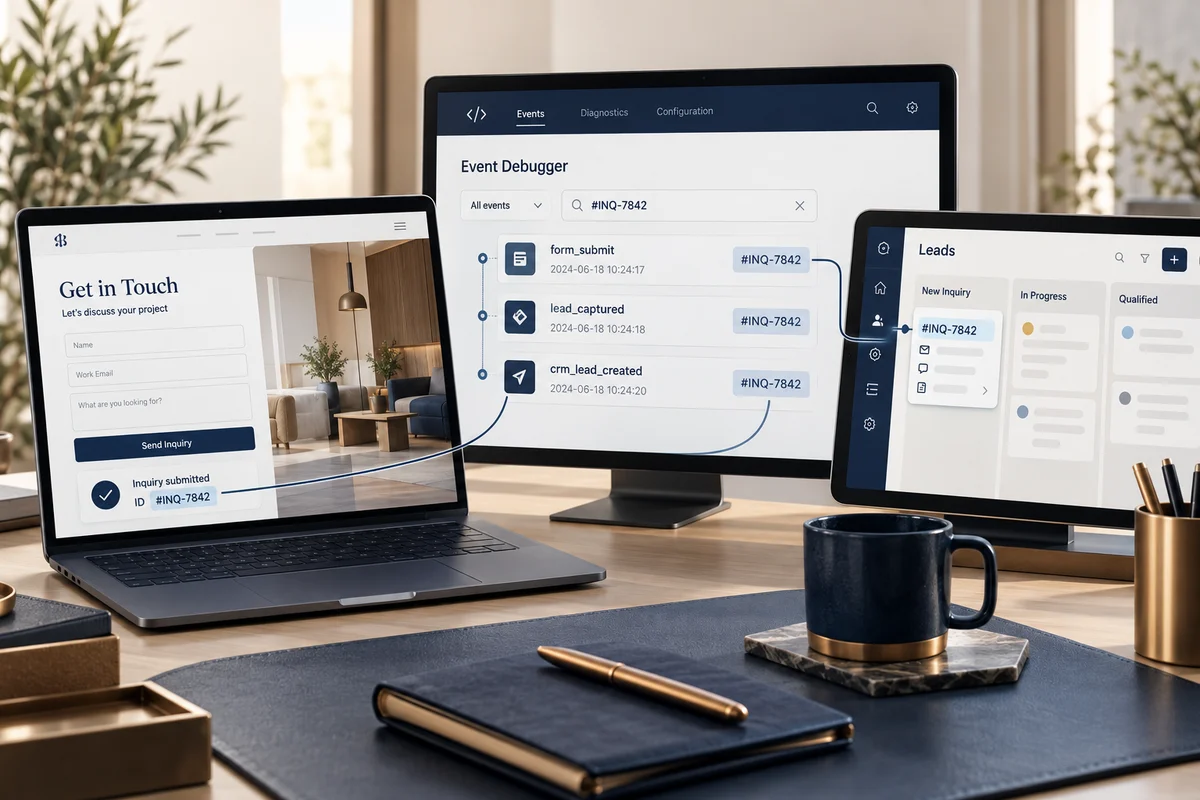

Google Ads conversion tracking: test the event before optimizing
A clicked button is not necessarily a lead. For a website form, a useful conversion usually fires after the inquiry is successfully stored or a real confirmation is shown, not when the submit button is pressed. Google documents website conversion setup and importing Google Analytics conversions. Choose a source that fits the setup and document the source of truth before importing.
Example flow and QA
| Action | Expected event | What to verify |
|---|---|---|
| Open the contact page | No conversion | A visit is not an inquiry |
| Click WhatsApp | Separate interaction if needed | Do not equate it with a submitted request |
| Submit an invalid form | No conversion | Validation errors appear; no success is recorded |
| Save a valid inquiry | One lead | One success record and one event |
| Reload the thank-you page | No duplicate lead | A reload does not add another conversion |
Choose native Google Ads tracking or a suitable GA4 import for the configuration. Do not make the same action a primary conversion in both sources without a deduplication plan. Compare counts and document attribution windows and whether the business counts one or every conversion. After launch, test through an ad or tagged URL and confirm the event reaches the intended report, allowing for processing delay.
Before spend increases
Test desktop and mobile, valid and invalid forms, duplicate prevention, handoff to sales, consent and privacy settings. Never send names, email addresses or phone numbers in event names or parameters. Record the source, change and test date; stop using any figure that cannot be reconciled with inquiry records. Scope measurement through Google Ads management.